PC Antispyware 2010
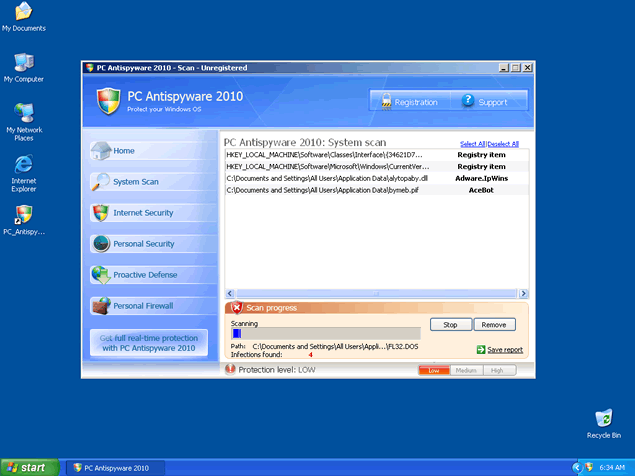
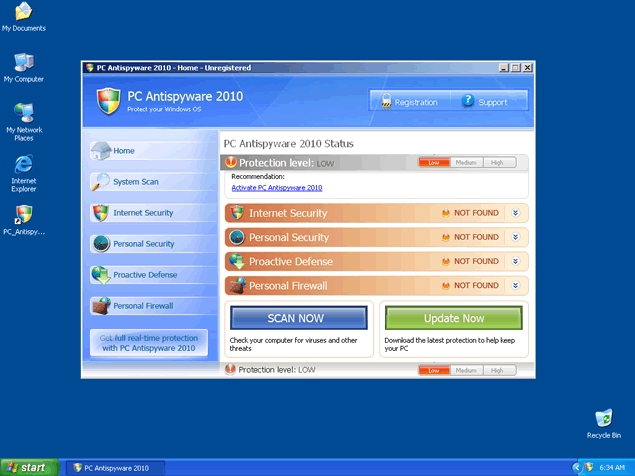
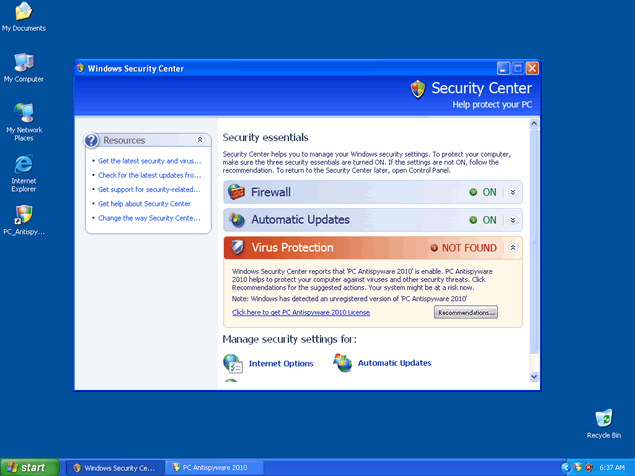
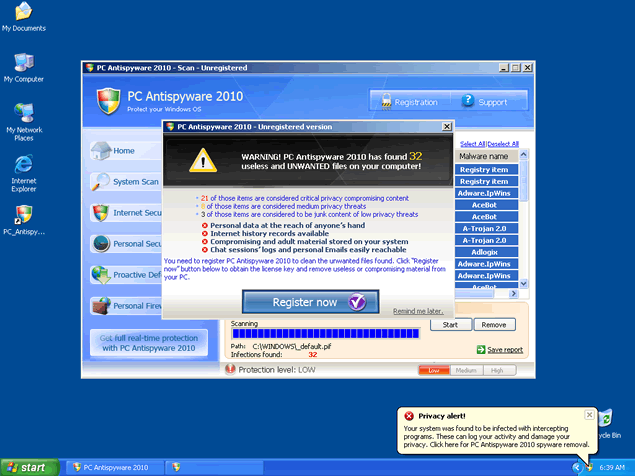
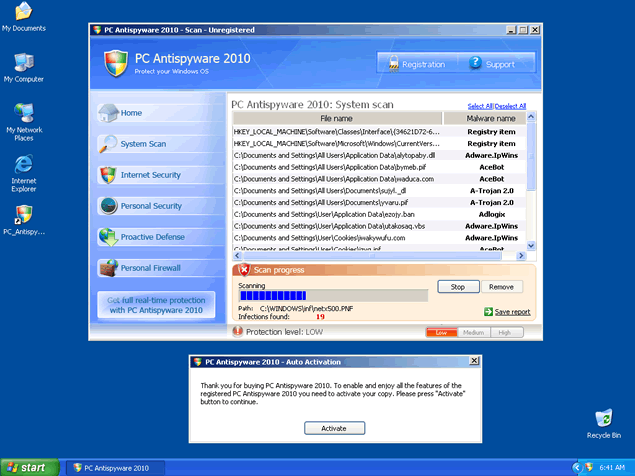
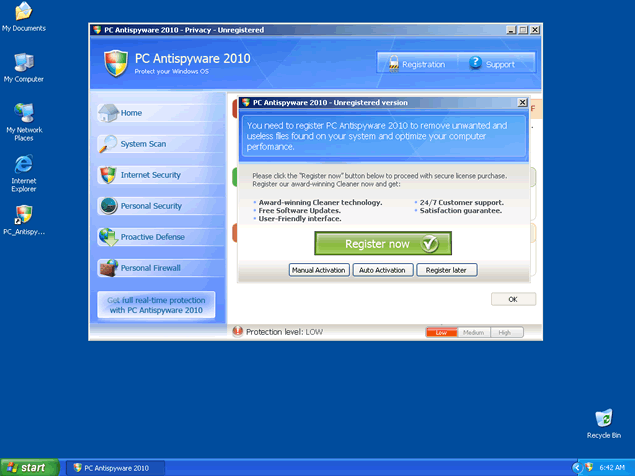
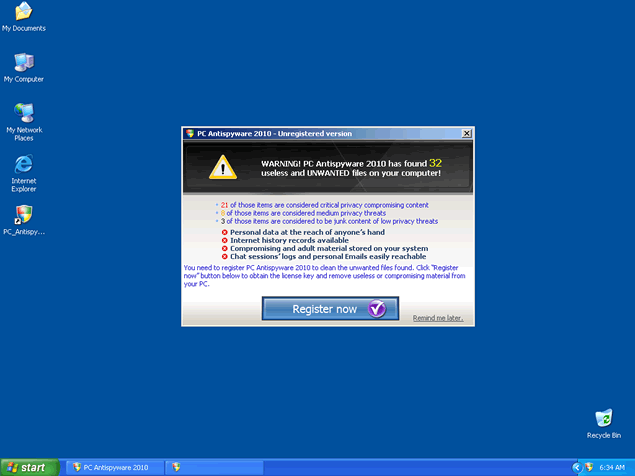
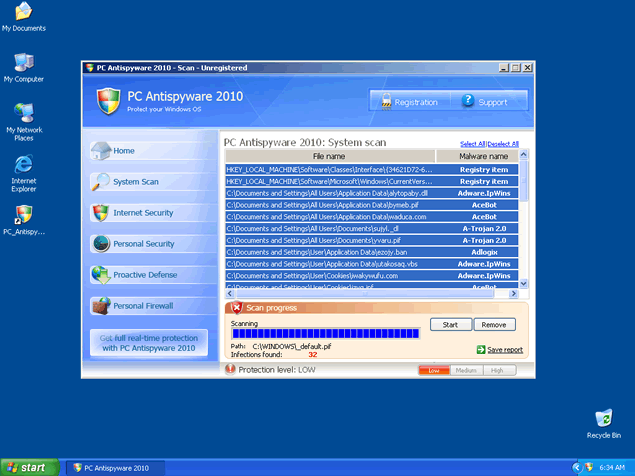 PC Antispyware 2010 is a fake spyware remover that has been known to install itself onto your computer by way of Braviax infections. PC Antispyware 2010 typically displays fake security alerts and issues false system scans that report fabricated infection results all in order to trick you into purchasing the commercial version of PC Antispyware 2010.
File System Modifications
- The following files were created in the system:
# File Name 1 %Documents and Settings%\All Users\Application Data\ciqudehyri.dll 2 %Program Files%\Common Files\vivifabyx.dll 3 %Program Files%\Common Files\ywukynota.com 4 %Program Files%\PCAntispyware2010 5 %Program Files%\PCAntispyware2010\htmlayout.dll 6 %Program Files%\PCAntispyware2010\PCAntispyware2010.exe 7 %WINDOWS%\syromeni.bat 8 %WINDOWS%\system32\_scui.cpl 9 %WINDOWS%\system32\cepapyx.com
Registry Modifications
- The following newly produced Registry Values are:
HKEY..\..\..\..{Subkeys}HKEY_CURRENT_USER\SOFTWARE\Microsoft\Windows\CurrentVersion\Policies\Explorer\ForceClassicControlPanelHKEY..\..\..\..{RegistryKeys}HKEY_CURRENT_USER\Control Panel\don’t load\scui.cplHKEY_CURRENT_USER\Control Panel\don’t load\wscui.cplHKEY_LOCAL_MACHINE\SOFTWARE\Microsoft\..{RunKeys}HKEY_LOCAL_MACHINE\Software\Microsoft\Windows\CurrentVersion\Run\PC Antispyware 2010
I had this pop up on the computer my wife uses and I can not get rid of it. Everytime I try it kills the programs I am using to try to get it. I've tried Kaspersky, Avast, Vipre, Ad-Aware, and Spybot: S & D and every one of them gets killed as soon as I try to scan and then become unusable. I'm ok with computers but I don't want to go around messing with registry editting and stuff, any ideas how I can get rid of this P.I.T.A?
i NEED HELP WITH REMOVEING PC_Antyspyware2010
I am trying to remove the pc antispyware2010. this is so stressful... I tried downloading spyhunters malware scanner but I can't. I get a pop up window with this message
Window cannot open this file:
To open this file, windows need to know what program created in. Windows can go online to look it up automatically, or you can manually select from a list of programs on your computer.
What do you want to do?
Use the web service to find the appropiate program
or
Select the program from a list
what do I do???
please help me??
Thank You..
Why is it not illegal for programs such as PC Antispyware 2010 to be interjected on computers? And can the people placing this on an individual's computer be required to remove it?
Thank you.