Micro Antivirus 2009
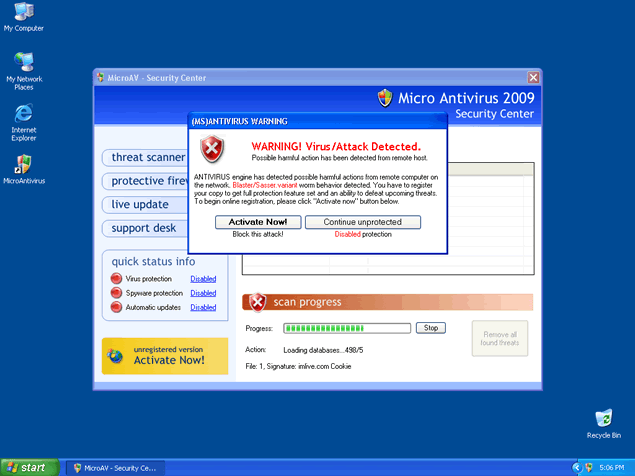
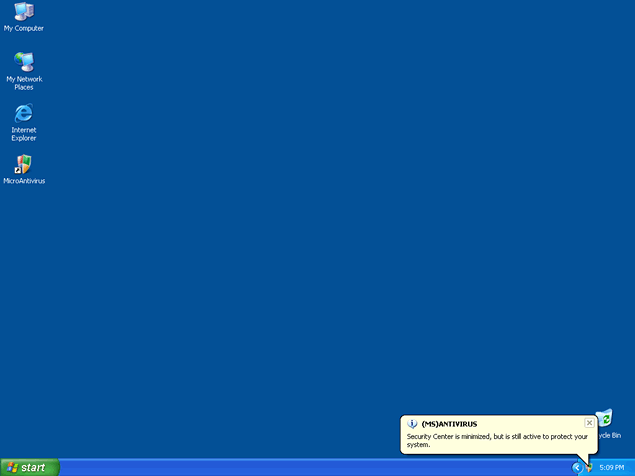
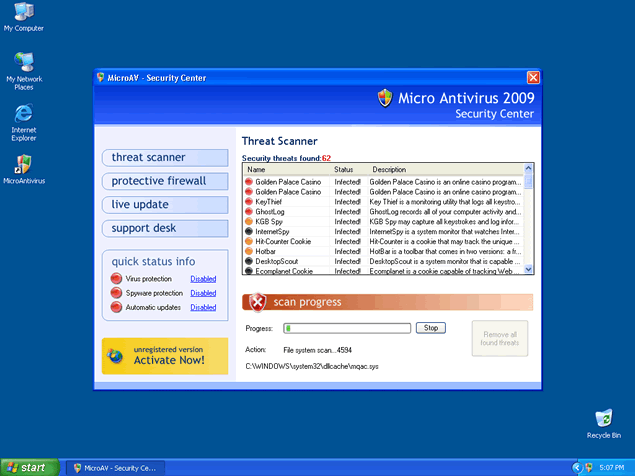
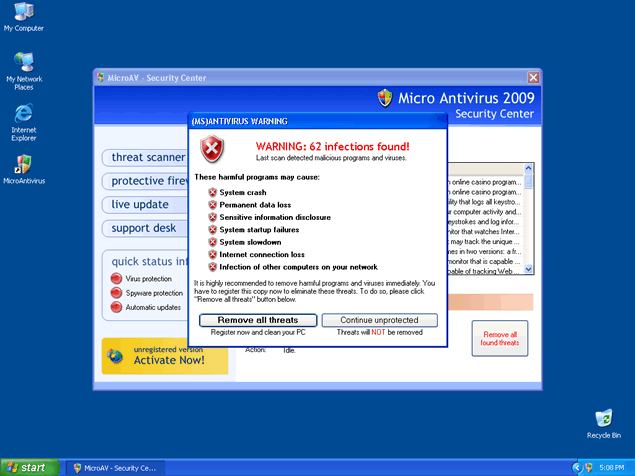 Micro Antivirus 2009, also known as MicroAntivirus 2009, is a rogue anti-virus program that displays a fake icon on your system tray stating that your computer is infected with spyware. Micro Antivirus 2009 will use fake security messages to urge you to download their software and will prompt you into purchasing the full version of Micro Antivirus 2009. Micro Antivirus 2009 is part of the same family of rogue anti-spyware programs as Windows Antivirus 2008, Vista Antivirus 2008 and Ultimate Antivirus 2008.
Micro Antivirus 2009 may try to download itself by using drive-by download methods. Micro Antivirus 2009 will also launch on every Windows startup and may display excessive popup ads. Micro Antivirus 2009 may be difficult to remove manually because it has the ability to recreate itself.


File System Modifications
- The following files were created in the system:
# File Name File Size (bytes) File Hash 1 0000005378.exe 881,092 7abaaf6a7798231835eb709b87a11bb7 2 c:\Documents and Settings\[USERPROFILE]\Desktop\MicroAntivirus.lnk N/A N/A 3 c:\Program Files\MicroAntivirus N/A N/A 4 c:\Program Files\MicroAntivirus\microAV.cpl N/A N/A 5 c:\Program Files\MicroAntivirus\microAV.exe N/A N/A 6 c:\Program Files\MicroAntivirus\microAV.ooo N/A N/A 7 c:\Program Files\MicroAntivirus\microAV0.dat N/A N/A 8 c:\Program Files\MicroAntivirus\microAV1.dat N/A N/A 9 c:\WINDOWS\system32\MicroAV.cpl N/A N/A 10 install_511_MHwzNHwwfHx8fHx8fHw_[1].exe 882,896 a592d4611d839079b9024a7618e0ce65 11 Micro Antivirus 2009.lnk N/A N/A 12 Micro Antiviurs 2009.lnk N/A N/A 13 Micro Antiviurs 2009.url N/A N/A 14 MicroAntivirus.lnk N/A N/A 15 microAV.cpl N/A N/A 16 microAV.exe 407,040 18b8244abb90ad457729dc932b96a80f 17 microav.exe 397,312 ab28803a4ba13061c2a786b4d967b300 18 MicroAVSetup[1].exe 1,052,373 4564d990235d776b1cb8a3746c286cff
Registry Modifications
- The following newly produced Registry Values are:
HKEY..\..\..\..{Subkeys}HKEY_CURRENT_USER\Software\AntiVirusHKEY_CURRENT_USER\Software\MicroAVHKEY_CURRENT_USER\Software\Microsoft\Windows\CurrentVersion\Run "ANTIVIRUS"HKEY..\..\..\..{RegistryKeys}HKEY_CLASSES_ROOT\.keyHKEY_LOCAL_MACHINE\SOFTWARE\Microsoft\..{RunKeys}HKEY_LOCAL_MACHINE\SOFTWARE\Microsoft\Windows\CurrentVersion\Run "ANTIVIRUS"
Additional Information on Micro Antivirus 2009
- The following paths were detected:
# Path 1 %ProgramFiles%\microantivirus 2 %ProgramFiles%\MicroAV
Thanks, How do I get a refund for the Microantivirus2009 that I bought 9-14-08?To bad they take advantage of people with computer problems!!
i have done everything and i cannt get this off my computor
How do I get a refund for the Microantivirius2009 that I bought on Oct.8or9th this month?it didn't help my computer at all.....yes they do take advantage of people.....I would like this resolved please......